

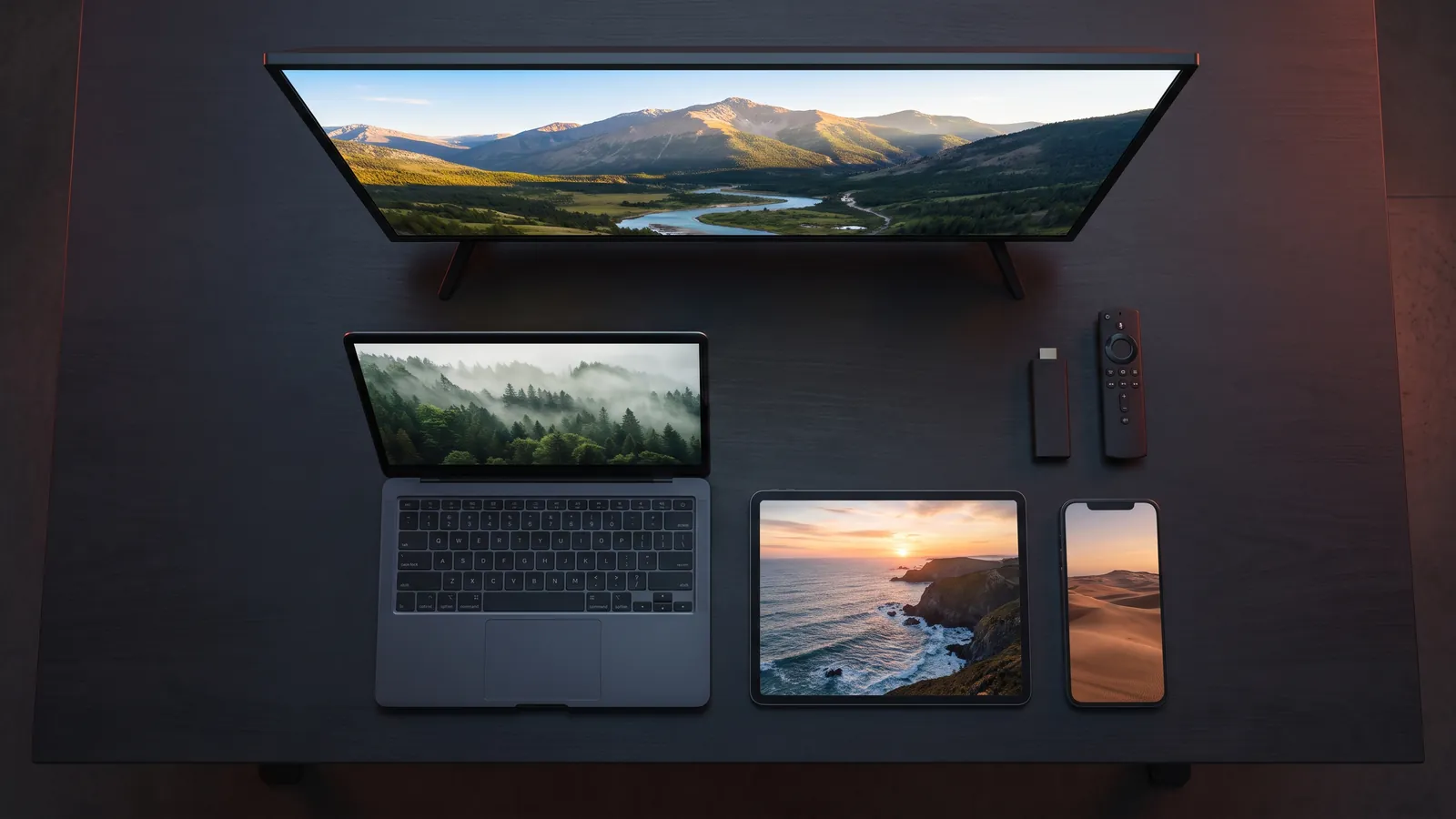
Compatible devices
TiviPlay works through IPTV player apps, so the TV, stick, phone or computer you already own can usually be used.
Works where you already watch
App availability changes by device and region. If you are unsure, ask us before you order.
Smart TVs
Samsung, LG, Android TV and Google TV. Install an IPTV player from the TV app store where available.
Android
Phones, tablets and TV boxes. Install a player from Google Play.
iPhone, iPad, Apple TV
Install a player from the App Store. TiviMate is not available on Apple devices.
Windows and Mac
Use a desktop IPTV player or a media player such as VLC.
MAG and other boxes
Some set-top boxes are supported. Ask us with your model.
Pick a player app
The player app shows your channels and guide. It is independent software, not owned by TiviPlay.
- IPTV Smarters Pro: easy, works on many devices
- TiviMate: TV-style guide for Android TV and Fire TV
- VLC: simple option for computers
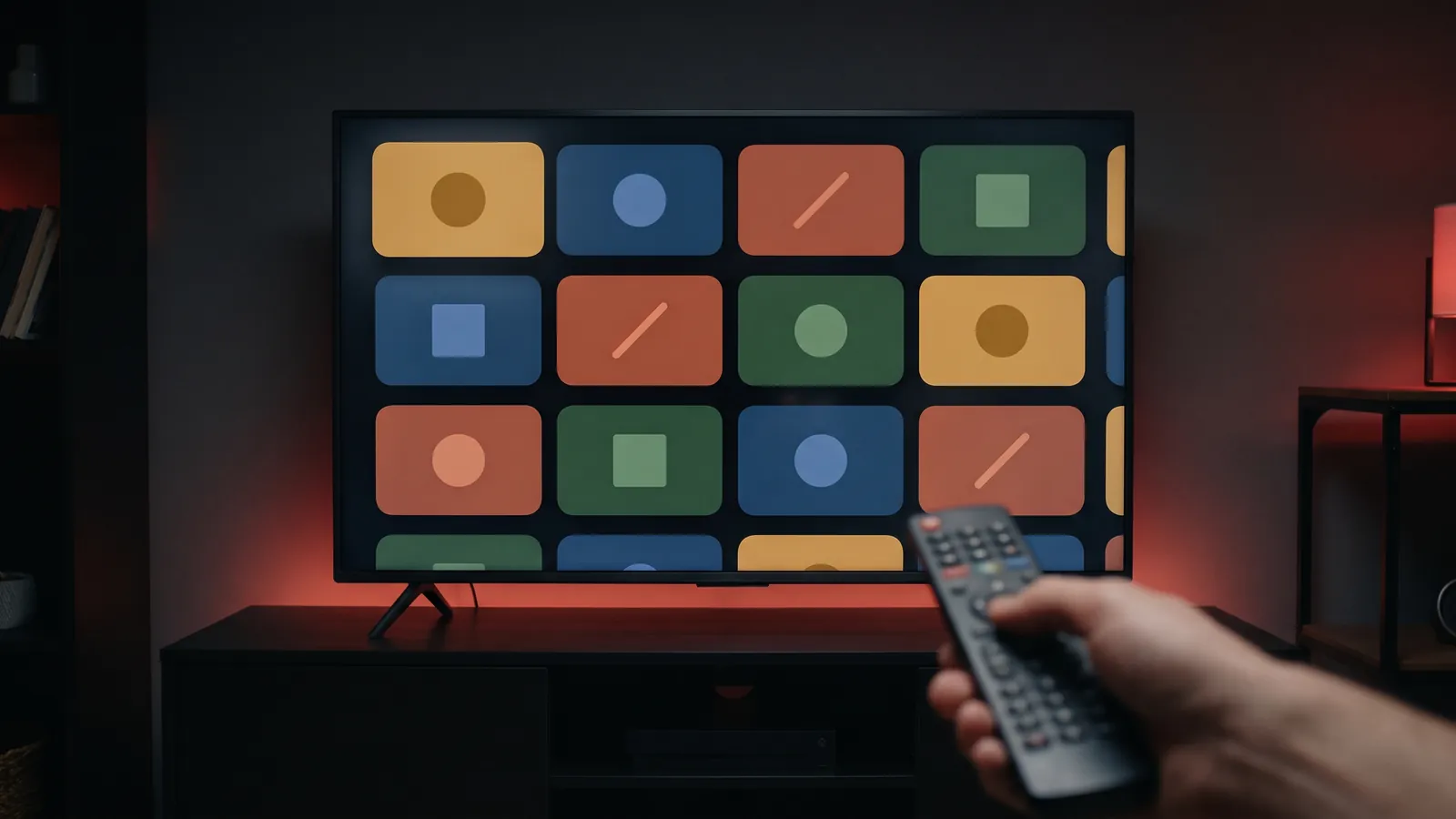
A stable connection matters most
Plan for about 10 Mbps per HD stream and about 25 Mbps for 4K. Use Ethernet or 5 GHz Wi-Fi for the main TV.
Internet speed guide
Not sure about your device?
Send us your TV or device model on WhatsApp and we will tell you which app to use.