

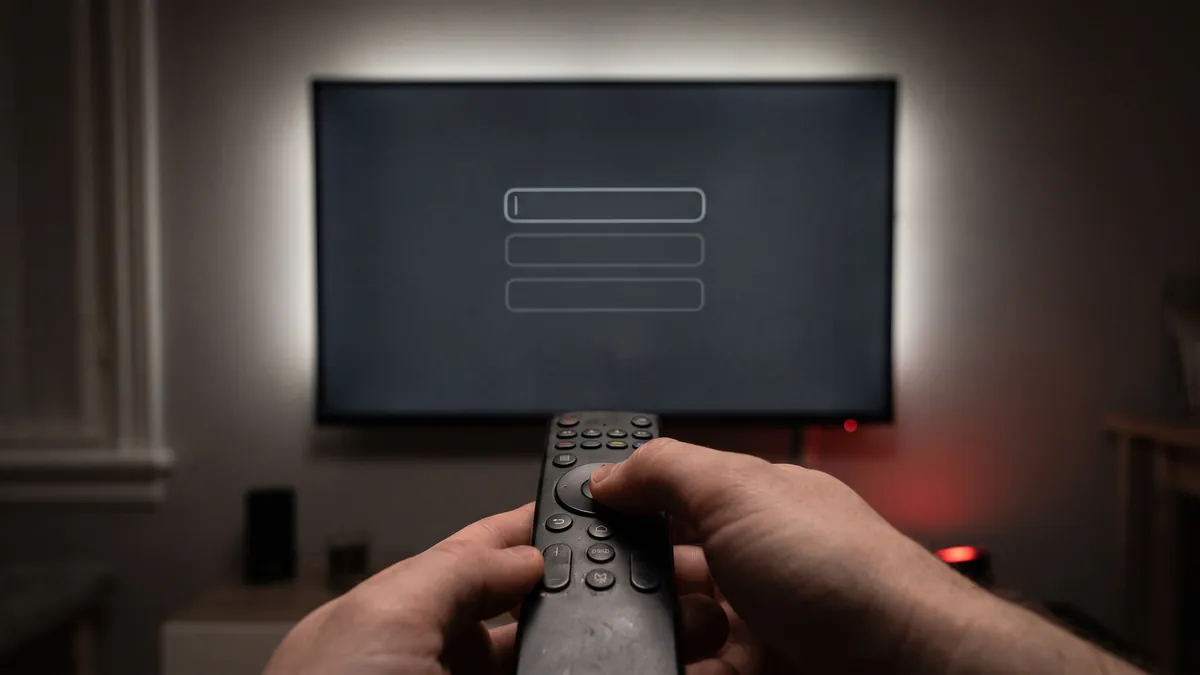
To set up IPTV Smarters Pro, install the app, choose Add User or Login with Xtream Codes API, enter the username, password and server URL from your provider, and wait for the channels to load. The whole process takes a few minutes.
Last updated: November 2026.
What IPTV Smarters Pro is
IPTV Smarters Pro is a player app. It shows channels, movies and series, but it does not include any content. You add a login from your provider and the app loads the list. It is an independent app and not owned by TiviPlay, and availability differs by device and region.
Before you start
- A device with the app available: Android phone or tablet, Fire TV, some Smart TVs, iPhone or iPad. Check your app store.
- Your login details exactly as your provider sent them: username, password and server URL, or an M3U link.
- A stable internet connection. Read our speed guide if you are unsure.
Step-by-step setup
- Install the app from your device app store and open it.
- Accept the terms if the app asks, then choose Add User or Login with Xtream Codes API.
- Name the profile. Any name works, for example “Home”.
- Enter your details: username, password and server URL. Copy them carefully without spaces.
- Tap Add User and wait. The first load of the channel list can take a minute or two.
- Open Live TV and pick a channel to test playback.
If your provider sent an M3U link
Choose the option to load a playlist or file by URL, paste the full link and give it a name. Not sure which login type you have? Read M3U playlist vs Xtream Codes.
Troubleshooting
Login fails
Check for a trailing space, a missing character or a wrong capital letter. Make sure the server URL is complete, including the port number if your provider gave one.
No channels or an empty list
Wait a minute after the first login, then close and reopen the app. If the list is still empty, refresh the playlist in the app settings.
Buffering or freezing
Test your internet speed, move closer to the router or use an Ethernet cable, and restart the device. See our programme guide help if only the guide is wrong.
Other player apps
IPTV Smarters Pro is one option among several. See best IPTV player apps and our TiviMate setup guide.
Install IPTV Smarters Pro on your device
Android phones, tablets, Android TV and Google TV
- Open the Google Play Store.
- Search for IPTV Smarters Pro.
- Select Install and wait for the download to finish.
- Open the app from your home screen or app list.
Amazon Fire TV and Firestick
Availability in the Amazon Appstore changes over time and by region. Search the Appstore first. If the app is not listed, some users install it from the developer’s official website using a downloader app, which requires allowing apps from unknown sources in the Fire TV settings. Only install files from the official developer source, and turn the setting off again afterwards if you prefer. See IPTV on Firestick: setup basics.
Samsung and LG Smart TVs
Open your TV app store and search for the app. Smart TV app stores differ by model and country, so it may not be listed on every TV. If it is not available, a streaming stick such as a Fire TV or Google TV device is the simplest workaround.
iPhone and iPad
Search the App Store for the official IPTV Smarters app. The iOS version may be listed under a slightly different name. Check the developer name before installing.
Windows and Mac
A desktop version has been offered by the developer. Download it only from the official website, or use a general media player that can open your playlist link.
The two ways to log in
| Login option | What you enter | When to use it |
|---|---|---|
| Xtream Codes API | Server URL, username, password | Best choice if your provider gave you these three details |
| Playlist or file URL (M3U) | One long playlist link | If your provider sent a single link instead |
Both methods reach the same subscription. Xtream Codes usually loads categories, guide and on-demand sections more neatly. Learn more in M3U playlist vs Xtream Codes.
A tour of the app after login
- Live TV: channel categories and the channel list.
- Movies and Series: on-demand sections, if your service includes them.
- TV guide: what is on now and next. If it is empty, see our EPG guide.
- Settings: player options, parental controls, time format and refresh options.
Recommended settings
- Set the time format and time zone to match your location so the guide shows the right times.
- If playback stutters, try switching between the built-in player options in settings.
- Use parental controls to lock adult or unwanted categories if children use the device.
- Refresh the playlist after your provider updates channels.
Use it on more than one device
You can install the app on several devices and log in with the same details, but stay within the number of devices included in your plan. Using more screens at the same time than your plan allows can cause interruptions. TiviPlay offers 1, 2 and 3 device plans on the pricing page.
Stay safe
- Install apps from official stores or the official developer website only.
- Never share your login details publicly.
- Be careful with free playlist links found online. They are often unreliable and may not be lawful. Read is IPTV legal in Canada?
Still stuck?
Send us your device model, the app version and a short description of the problem on WhatsApp. That information lets us help you quickly.
Real-world setup scenarios
Setting up on a living room TV for a family
Install the app on the main TV or stick, add one profile for the household and mark the most-watched channels as favourites. Lock any categories you do not want children to see in the parental settings. Keep the login details in a safe place, not on a sticky note on the TV.
Setting up on a phone for travel
Install the app on your phone and add the same login as a second profile. Remember that a phone stream counts as a device, so stay within your plan limit if someone is watching at home at the same time. On mobile data, lower video quality settings will save data.
Moving from another app
If you already use another player, you can add the same details to IPTV Smarters Pro to compare. Sign out of the old app if you are close to your device limit.
Speed and buffering checklist
- Run a speed test on the same device, at the time you usually watch.
- Restart the router and the device once a week.
- Use a 5 GHz Wi-Fi band or an Ethernet cable for TVs.
- Close other heavy downloads while watching live sport.
- If one channel buffers but others play smoothly, the issue is that stream, not your setup.
More detail: how much internet speed IPTV needs in Canada.
Updating the app
Keep the app updated from the same store you installed it from. After an update, if channels do not load, restart the device and log in again with the same details. Your subscription is not affected by app updates.
When to choose a different app
If the app keeps crashing on your device, or the guide is hard to use, try another player with the same login. Our TiviMate setup guide is a good alternative for Fire TV and Google TV users.
IPTV Smarters Pro on different screens: what changes
The layout is broadly the same everywhere, but navigation differs. On a TV you move with the remote and select tiles; on a phone you tap and swipe; on a computer you use the mouse. Text entry is the slowest part on a TV, so if your TV supports a phone keyboard app or voice input, use it to type the server address. Some TV versions also let you scan a code or use a phone to send the details, which reduces typing mistakes. Once logged in, the Live TV, Movies and Series sections work the same way on every device.
Profiles and multiple playlists
You can add more than one profile. Families sometimes create a separate profile for children with only suitable categories visible, or keep a test profile when trying a new login. Each profile that plays at the same time on a different screen counts toward your device limit.
Key takeaways
- IPTV Smarters Pro is a player only; it has no channels of its own.
- Choose Xtream Codes if your provider gave a server, username and password.
- Install from official stores or the official developer site only.
- Most problems are typos, weak Wi-Fi or reaching your device limit.
Frequently asked questions
Does IPTV Smarters Pro include channels?
No. It is only a player. You need a subscription and login details from a provider.
Is IPTV Smarters Pro free?
The app is available to install, but check the store listing for current pricing and any extra features. TiviPlay does not make or sell the app.
Can I use it on a Firestick?
Many people do. See IPTV on Firestick: setup basics.
Which login should I choose, Xtream Codes or M3U?
Use whichever your provider sent. Xtream Codes login usually gives a neater guide and categories.
Next step
Ready to start watching? See the TiviPlay plans in Canadian dollars, check compatible devices, or follow our setup guide. Questions? Message us on WhatsApp any time, 24/7.